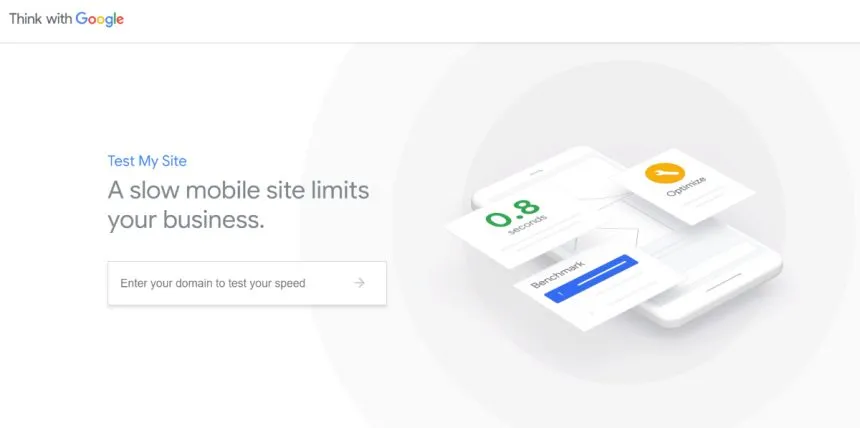
The first interactions between your brand and customers take place mainly through mobile devices. If you have a website that is hard to load, imagine the wrong impression this aspect can leave on your brand.
Even more, did you know that more than half of users leave a mobile session if the accessed website does not load in less than three seconds? Surprising? Not at all. And you would react the same way if you went through a similar situation! So… how can you know the load time of your website, especially on mobile devices?
The Test my site tool, offered by the Google platform, provides you with detailed information about features such as: website performance, loading speed on mobile phones, monthly evolution of loading speed, loading speeds of competing websites and the impact has this feature on your business.
Do you want to check these aspects for desktop devices as well? No problem! The tool supports both mobile and desktop functionalities. All you have to do is enter the web address of the website and in a few moments you will be able to see the result, as well as tips for improving your score.
If your website takes too long to load, Google may suggest the following:
- Reducing the execution time of JavaScript scripts,
- Changing the format of existing images on the website,
- Minify CSS Spreadsheets,
- Minimize JavaScript scripts,
- Resize images,
- Enabling text compressions,
- Reducing server response time,
- Avoiding multiple redirects,
- Use of video formats for animated content.
Optimize your website, both for search engines and for a better user experience. Keep in mind that a website should not take more than two seconds to load. If you have a higher upload speed, this will be reflected by the indicator called bounce rate. Does your website work based on images? Don’t forget to optimize them to facilitate a fast upload!